Physical Address
304 North Cardinal St.
Dorchester Center, MA 02124
Physical Address
304 North Cardinal St.
Dorchester Center, MA 02124

Navigating Salesforce Excellence
Navigating Salesforce Excellence
Note on versions: this walkthrough was written in October 2023. Einstein for Developers has moved on since then and the Setup screens and extension name may not match your org exactly. The enablement path and the working habits below still hold, but expect the UI to look different from the screenshots.
Einstein for Salesforce Developers in VSCode
Are you a Salesforce developer looking to harness the power of Einstein in your Salesforce projects using Visual Studio Code? Look no further! This comprehensive tutorial will walk you through the essential steps to seamlessly integrate Einstein into your Salesforce development workflow.
More about Einstein for Salesforce Developers:
Want a step-by-step video tutorial? Watch this: HSCodehub Youtube
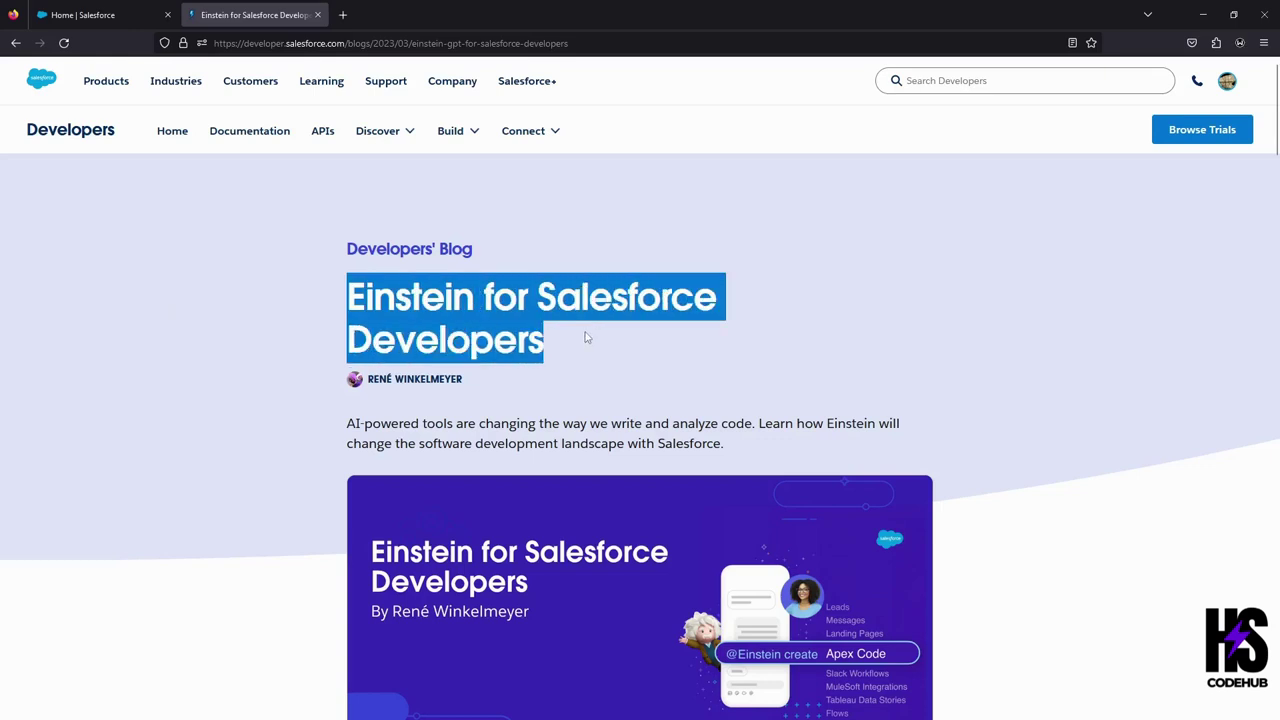
““““““““““““““““““““““““““““““““““““““““““““““““““““““““““““““““““““““““““““““““““““““
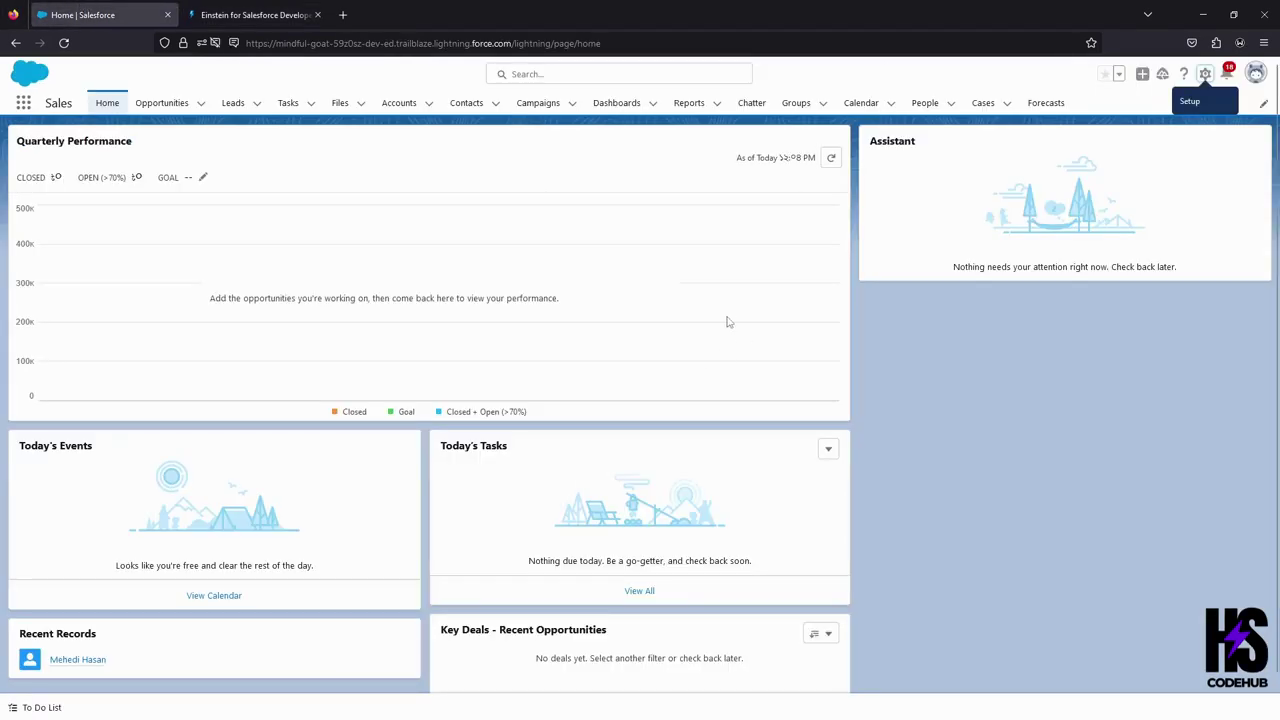
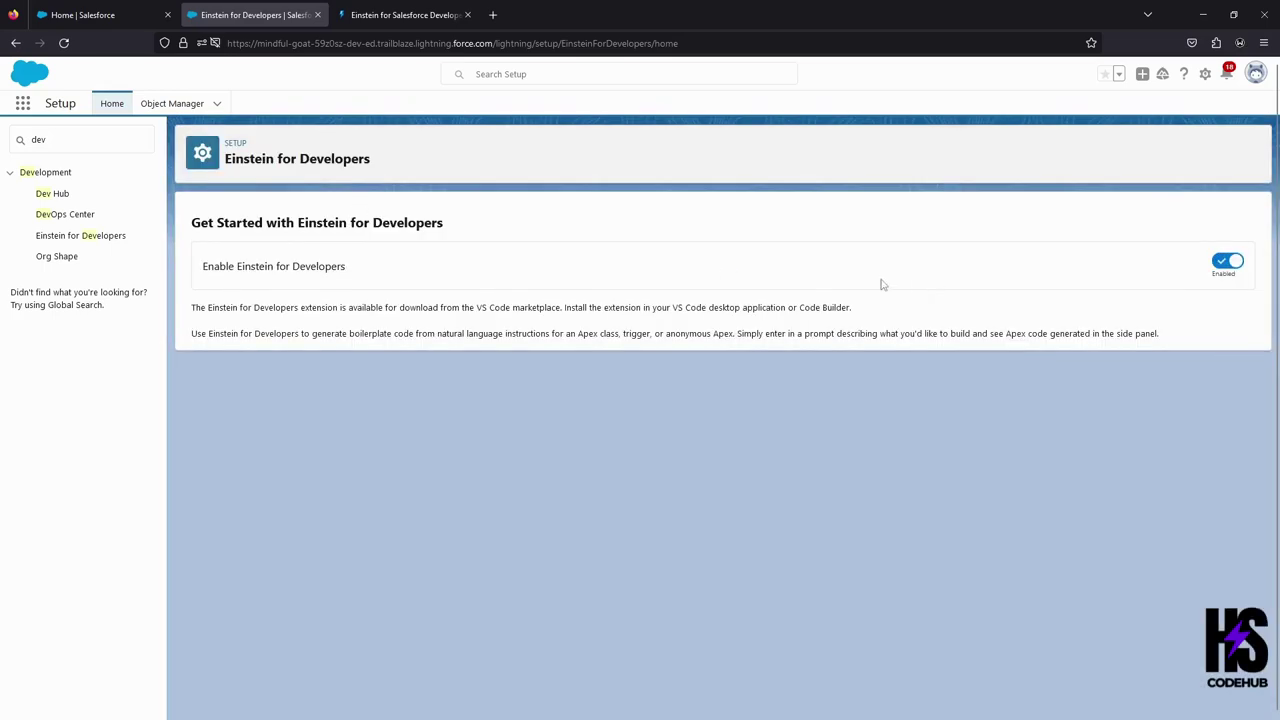
Step 1: Go to Setup > Search for Dev > Click on Einstein For Developers > Enable it.
Step 2: Go to your VSCode > Extensions > Search for Einstein For Developers > Install the extension
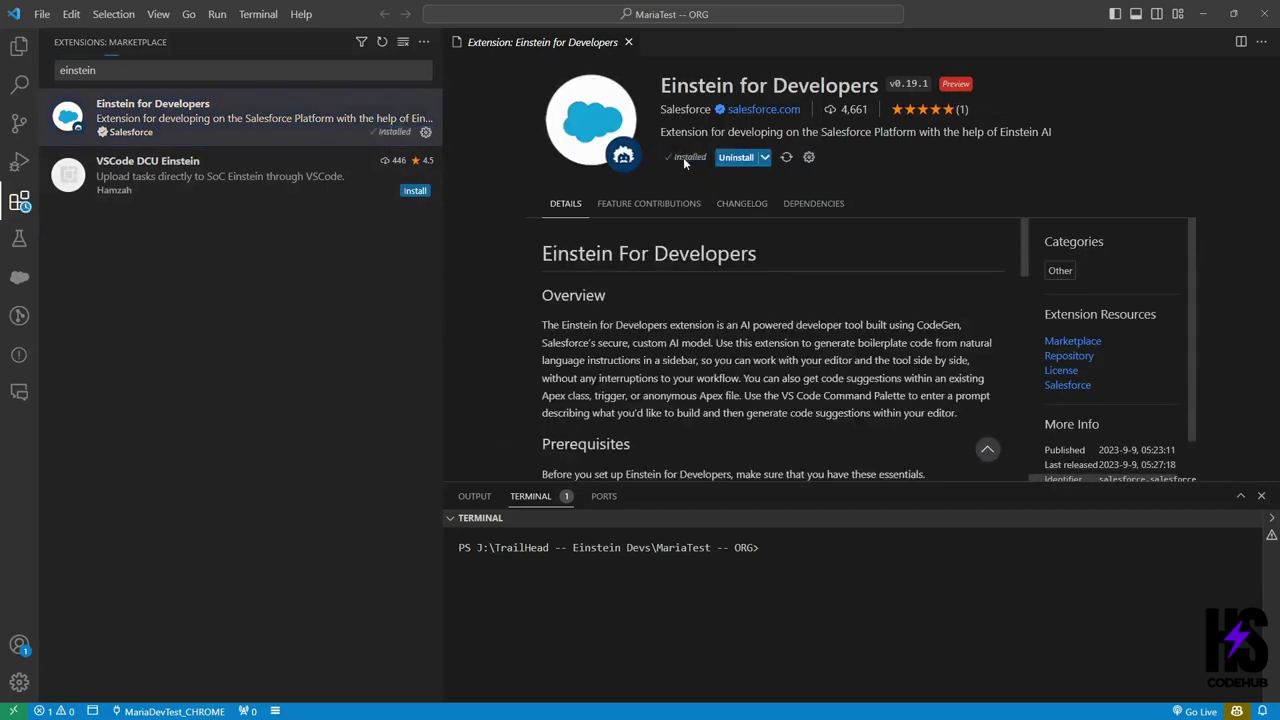
Step 3: Go to Einstein for developers on the left side (Einstein’s Face) and use it. Voila, that’s it!
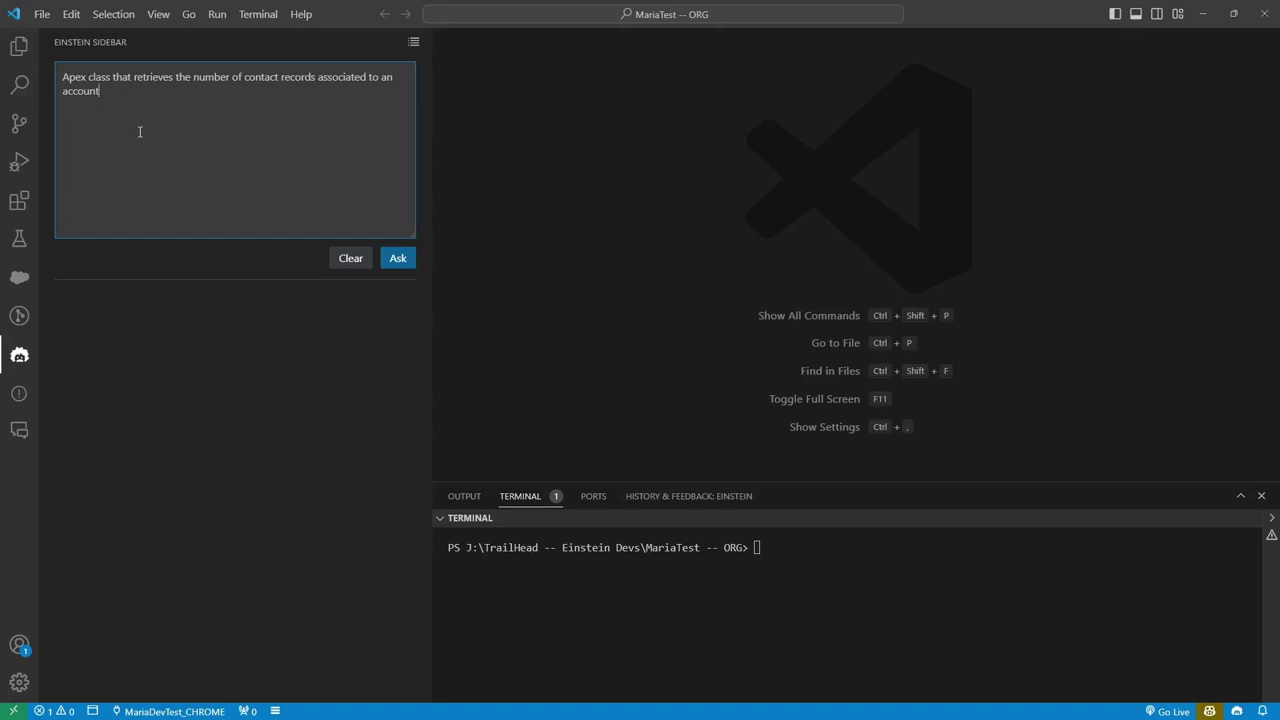
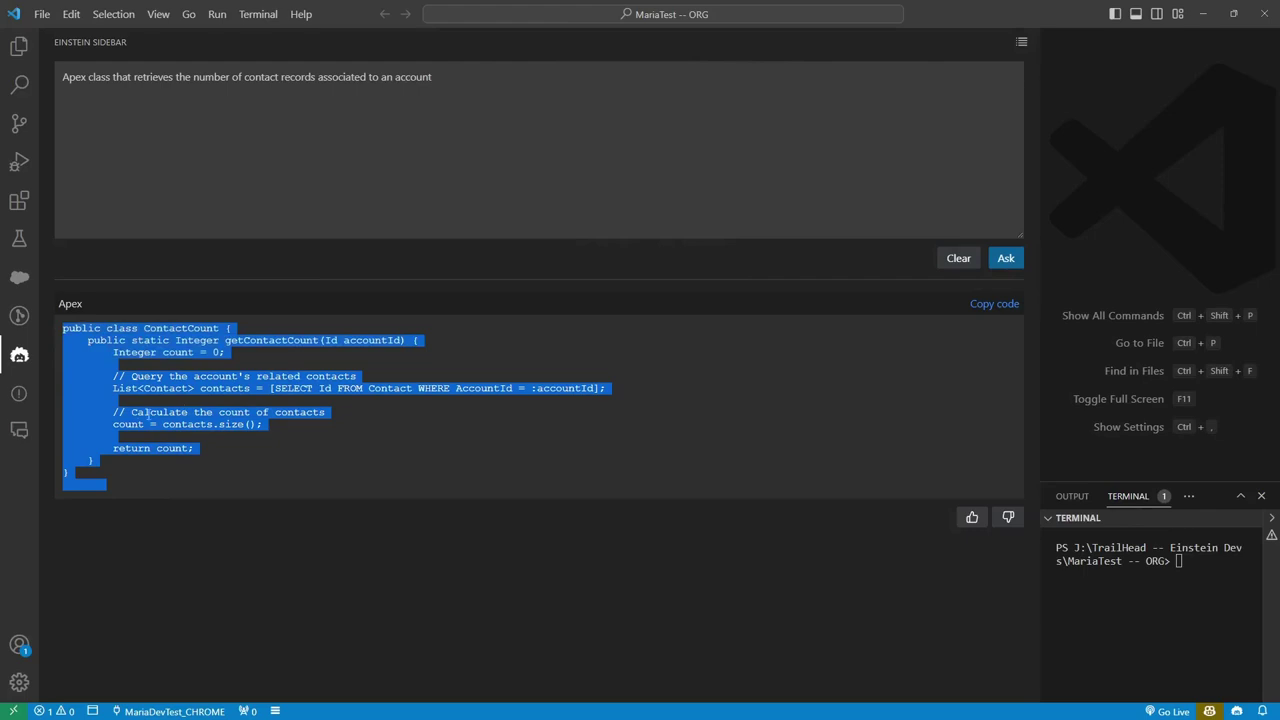
Setting expectations properly is what separates people who get value from this and people who turn it off after a week.
It is strong on the code you have written a hundred times and would rather not write again:
It is weak exactly where you would expect a model that has never seen your org to be weak:
The tool generates from a natural language comment. The specificity of that comment determines almost everything about the output quality.
A vague prompt gets generic code:
// update related recordsA specific prompt gets something you can actually use:
// For each Account in Trigger.new where Industry changed to 'Technology',
// update all related Contacts to set Priority__c = 'High'.
// Bulk safe, single DML, skip Contacts already set to High.
Notice what the second one supplies: the objects, the exact field API names, the trigger context, the condition, and the constraints. That is the same discipline that makes any AI assistant useful on Salesforce work, and it matters more here because the tool cannot look at your org to fill in the gaps.
It does not have access to your org’s metadata. This is the single most important thing to internalise.
When you mention a custom field, the tool is inferring from the name and from patterns in its training data, not reading your schema. It will happily generate code referencing Account.Customer_Tier__c because that sounds like a field an org would have, and your org may have named it Tier__c or not have it at all.
Practical consequence: always paste the real API names into your prompt rather than describing fields. And expect to correct field references on anything it generates that touches custom objects.
Treat generated Apex as a first draft from someone competent who has never seen your codebase. Specifically check:
with sharing unless there is a deliberate reason not to. Generated classes often omit it.isAccessible() or isUpdateable() checks, which matter for anything going through security review.If you want a deeper treatment of that last point, our guide on exception handling in Apex unit tests covers writing tests that actually verify behaviour.
The honest summary after using this kind of tooling for a while: it compresses the tedious middle of a task. It does not replace knowing what you are building, and it does not remove the review step.
It pays off most when you know exactly what you want and simply do not want to type it. It pays off least when you are unsure of the approach, because then you cannot evaluate whether what came back is right, and confident wrong code is more expensive than a blank file.
The same principle applies across AI assisted Salesforce work generally, whether in the IDE or in admin tasks. We covered the broader workflow in getting real work out of AI as a Salesforce admin.